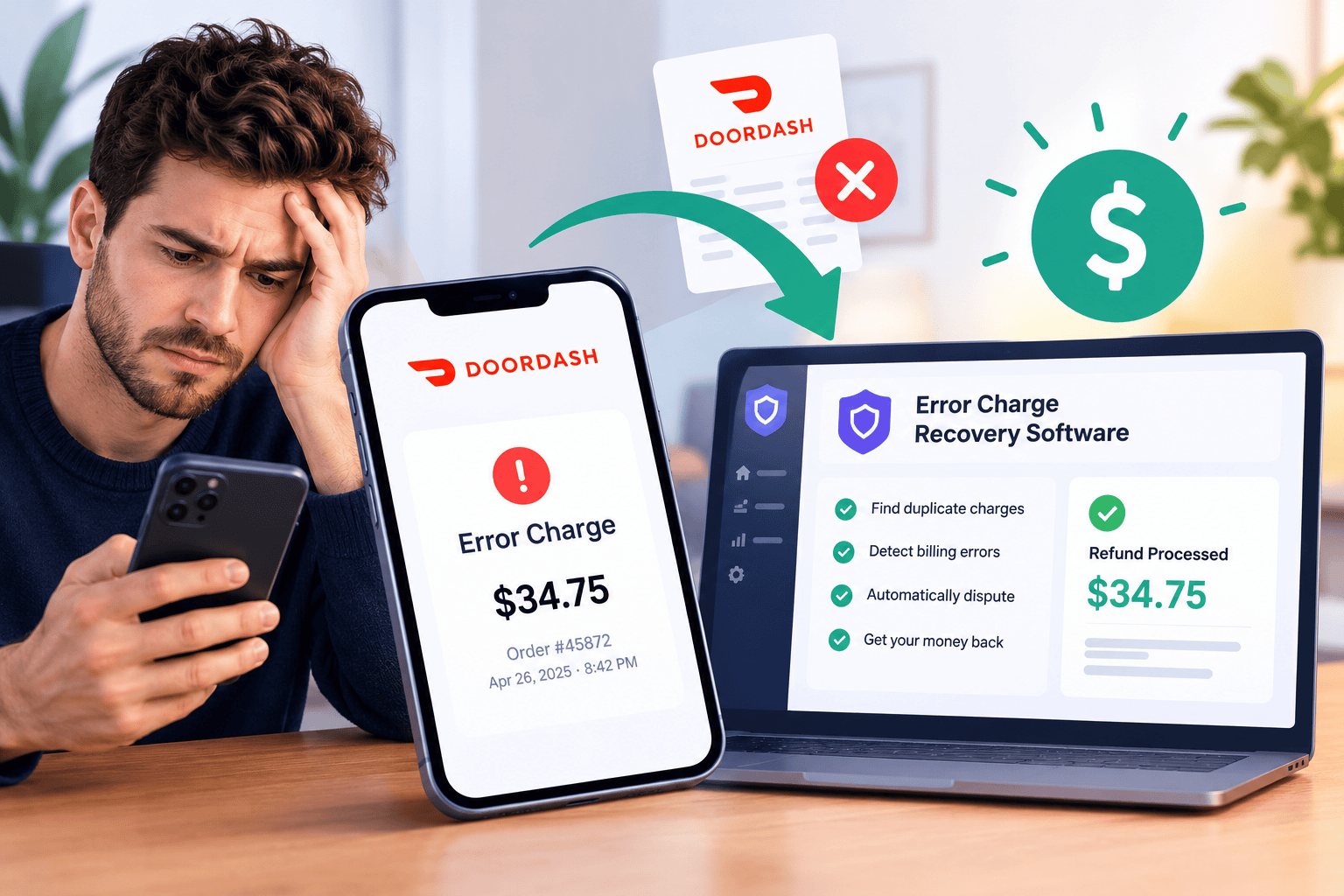
Ever opened your DoorDash payout and found a charge you didn’t expect? Maybe a customer said the fries never made it into the bag. DoorDash refunded them, and a few days later that refund came out of your payout, even though your team packed the order right.
One charge like that is easy to shrug off. The trouble is that they add up. Unmanaged chargebacks can cost a restaurant 1-3% of its delivery revenue, and, well, fighting each one by hand takes hours most owners just don’t have.
So what can you actually do about it? That’s where error charge recovery software comes in. It catches those charges, builds the case and files the dispute for you. Below, you’ll find a quick comparison, a look at how a single error charge plays out, and four tools that can help you win that money back.
Quick Comparison
| How it handles DoorDash charges | What stands out | Good fit for | |
| KoreFi | Finds eligible charges and files before the deadline | A restaurant specialist reviews tricky cases | Independents and small groups, up to 10 locations |
| Deliverect Reclaim | Builds cases from repeat signals across orders and past disputes | Spots refund claim patterns and repeat claims | Multi-location operators |
| Lunchbox Dispute Manager | Disputes charges automatically | Real-time dispute tracking | Mid-market to enterprise brands |
| DTiQ Dispute Management | Manages disputes and follows up by email for you | Video proof through its own 360iQ system | Owners, operators and franchisors with several locations |
4 Error Charge Recovery Tools to Know
KoreFi
KoreFi is built for independent restaurants and small groups that want their error charges handled from start to finish.
What it does: KoreFi finds every charge that’s eligible for a dispute, pulls the proof, writes the case and files before the deadline. You don’t do any manual work or chase reminders, and the money you recover lands straight in your bank.
 What stands out
 What stands out
- To start with, you don’t have to hunt for DoorDash error charges yourself. KoreFi spots them as they come in.
- On top of that, KoreFi has an 85%+ win rate on disputed chargebacks.
- A restaurant specialist reviews any case that needs a judgment call before it’s filed.
- In addition to disputes, KoreFi can also price your delivery menu and keep your payouts reconciled across your POS, delivery apps and bank.
- As for getting started, you just securely connect your delivery platforms, POS and bank accounts.
Good fit if: you run one location or a group of up to 10, and 20% or more of your sales come from delivery apps.
Deliverect Reclaim
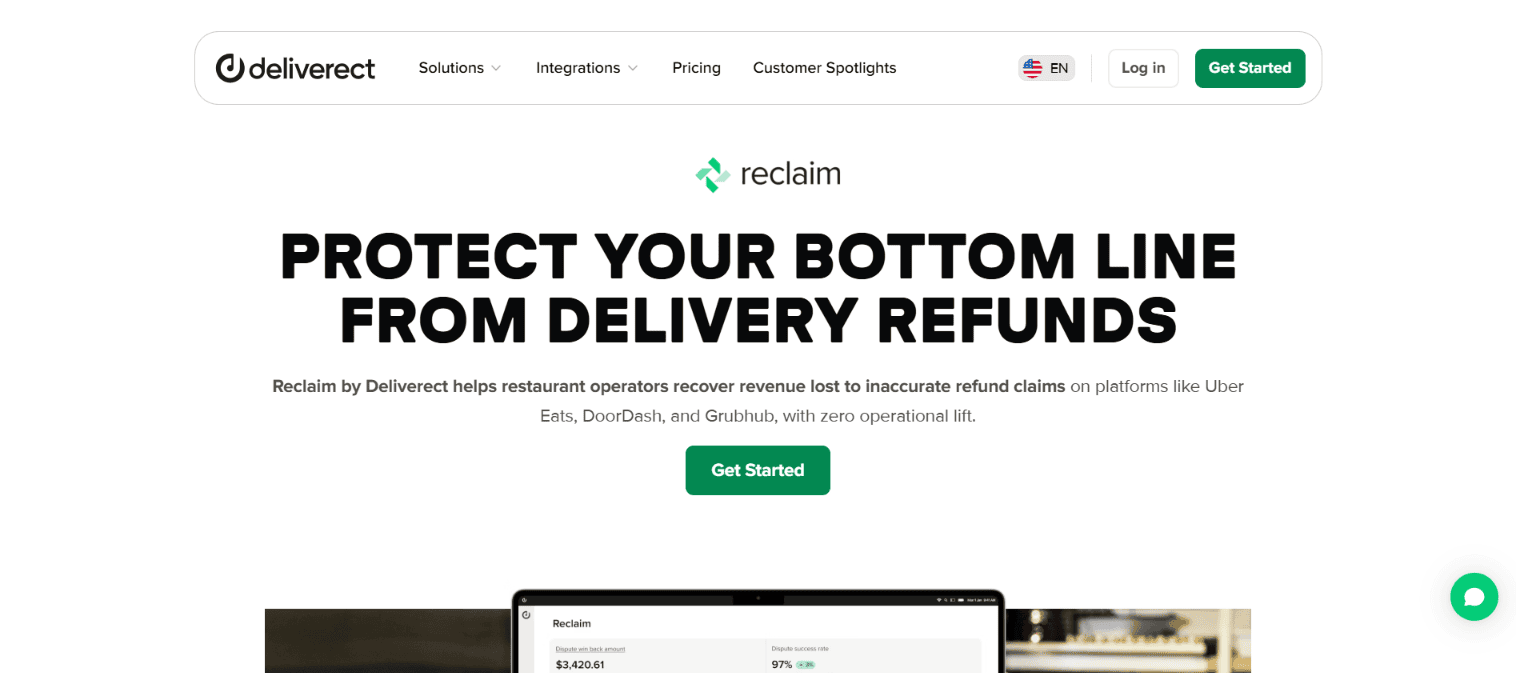
Next up, Deliverect Reclaim helps restaurants win back money lost to inaccurate refund claims on DoorDash without adding work for your team.
What it does: Reclaim tracks repeat signals across your orders, items, stores, channels and past disputes, then uses them to build stronger cases. Behind the scenes, Deliverect pairs delivery reports with expert oversight to keep disputes accurate and on time, and its team keeps refining the dispute logic.
What stands out
- It spots the items, add-ons or sizes that keep getting flagged as missing or wrong, so you can tell an occasional kitchen mistake from a real pattern.
- It also tracks orders that were packed right but drew a refund claim after the driver picked them up.
- It links repeat refund requests to specific customer profiles, times of day or channels, so the highest-value disputes get attention first.
- Plus, you get weekly and monthly email summaries showing what was won back and what’s causing refunds.
- Beyond that, past dispute data shows where errors happen, so you can tighten up ticket times, packaging and order accuracy.
Good fit if: you’re a multi-location operator and want to see what’s behind your refund claims, not just win them back.
Lunchbox Dispute Manager
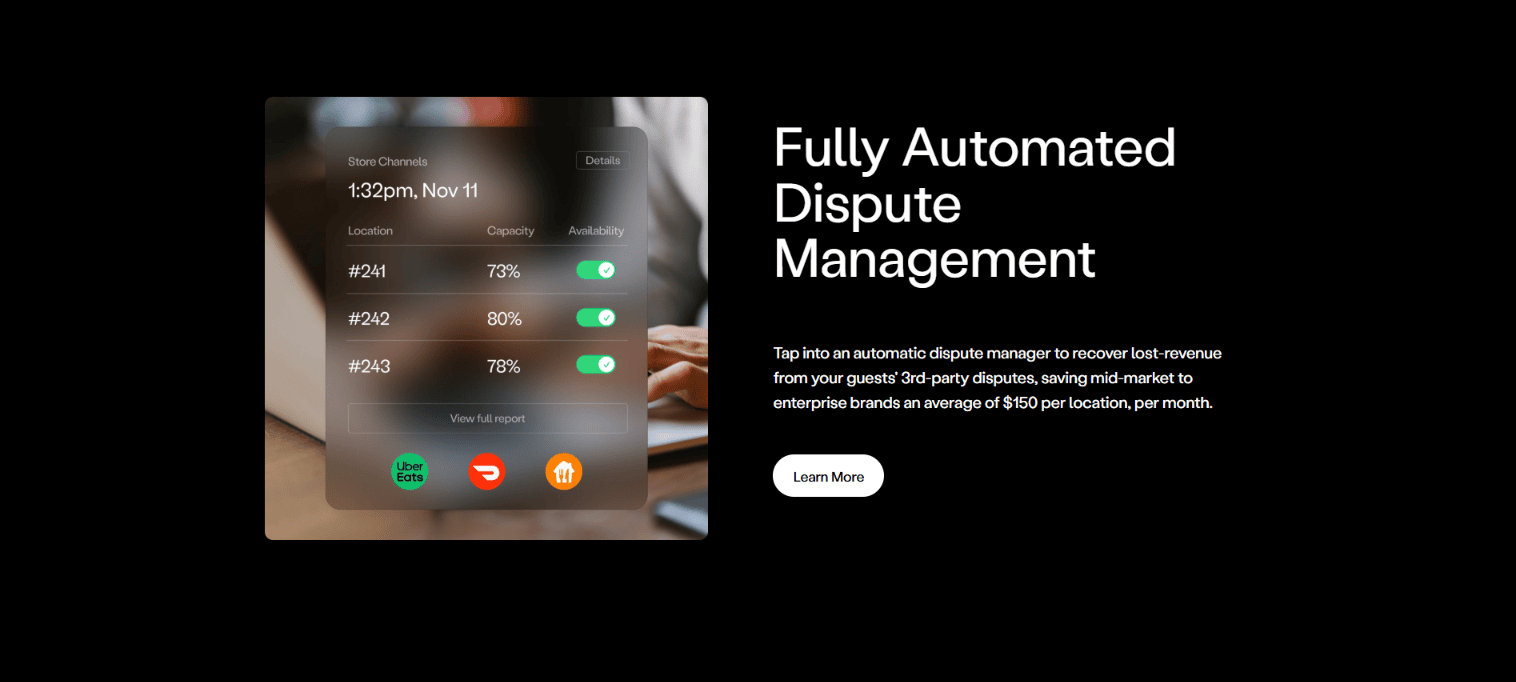
Then there’s Lunchbox Dispute Manager. It’s aimed at mid-market to enterprise restaurant brands, and it integrates with DoorDash.
What it does: It disputes charges on your DoorDash orders automatically to win back lost revenue. In other words, no manual back-and-forth for your team.
What stands out
- For starters, you can watch your disputes in real time, so you can spot issues and act fast.
- In addition to that, it gives you a clear view of your disputes and helps you win back charges caused by order mistakes.
Good fit if: you run a larger restaurant brand and want your DoorDash disputes automated.
DTiQ Dispute Management
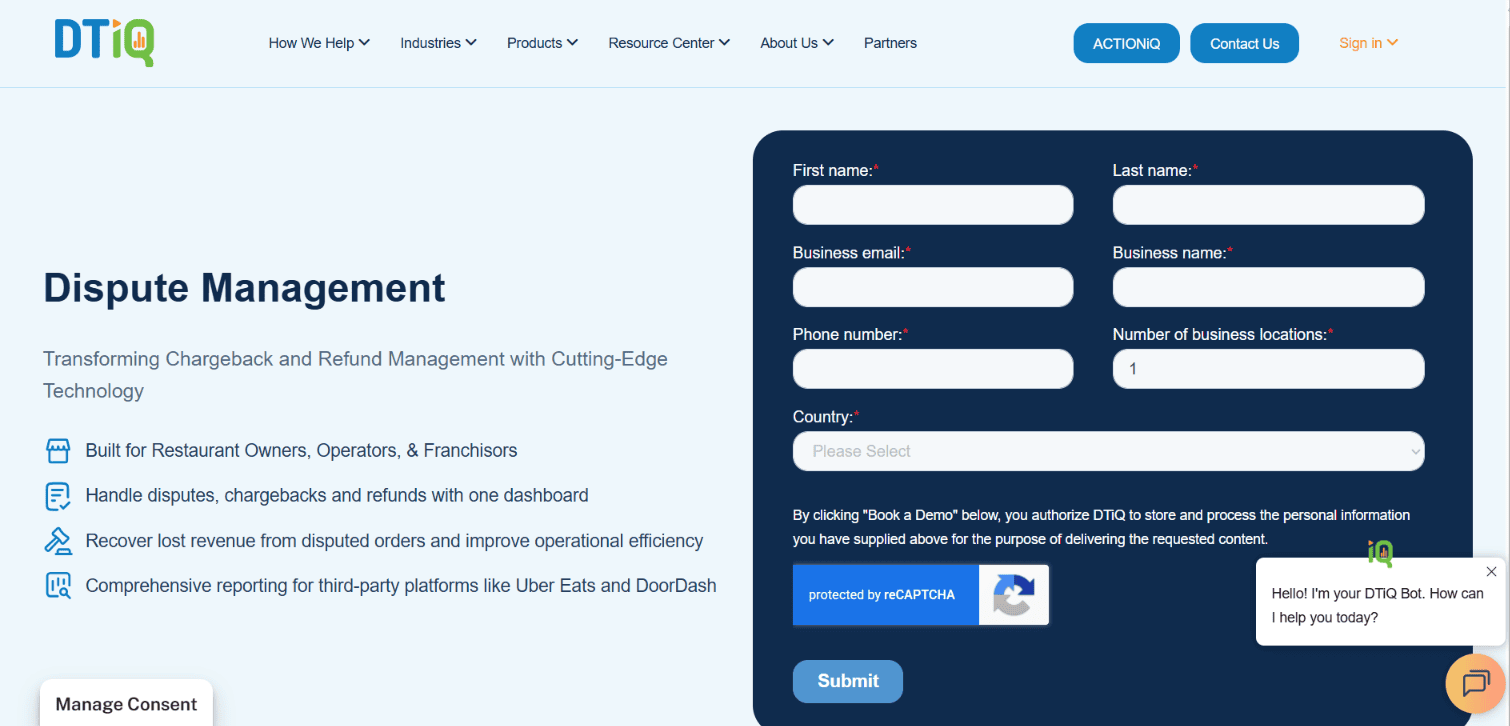
Finally, DTiQ Dispute Management lets you handle disputes, chargebacks and refunds from one dashboard.
What it does: DTiQ manages your DoorDash disputes for you. It sends the evidence and follows up by email with everything that’s needed, so you’re not stuck doing it.
What stands out
- It works with DTiQ’s own 360iQ video system, which gives you live and saved footage of each disputed order. So when a customer says something was missing or wrong, you’ve got video to show.
- No digging through footage, either. Video of disputed orders is saved automatically in DTiQ’s cloud.
- On top of that, monthly reports sum up your disputed orders, how they turned out and trends like items that keep going missing.
Good fit if: you’re a restaurant owner, operator or franchisor handling disputes across several locations, and video proof matters to you.
Final Thoughts
Error charges come with selling on DoorDash, but they don’t have to be a cost you just accept. The right software catches them early, builds the case and keeps you ahead of the deadlines.
Think about how many locations you run, how many DoorDash charges you see and how hands-off you want to be. Then pick the tool that matches and let it chase the money while you focus on the food.
FAQs
How long do I have to dispute a DoorDash error charge?
You’ve got 14 days from the delivery to dispute it in the Merchant Portal. For anything older, reach out to DoorDash Support.
How does DoorDash decide who’s at fault?
DoorDash looks at photo evidence, the type of error, possible customer or Dasher fraud and other details. If you dispute a charge, it reviews your dispute on its own merits and posts a decision within a few hours.
Where do I see a dispute I won?
Check the Adjustments column of your Transactions page. That’s where approved disputes show up.