Looking for a Sora alternative? The right choice depends on what the video needs to do. For image to video AI, realistic movement is only part of the equation. Subject consistency, camera control, audio, and editing options matter just as much. Some tools are better for cinematic clips, while others make more sense for product videos, talking portraits, or social media content. Here are 10 options worth considering, along with what each one does well and where it may fall short.
Ranking note: This comparison looks at documented features and practical use cases rather than standardized benchmark scores. Results can vary depending on the source image, model, and prompts.
1. Pollo AI – Best Overall Video Creation Suite
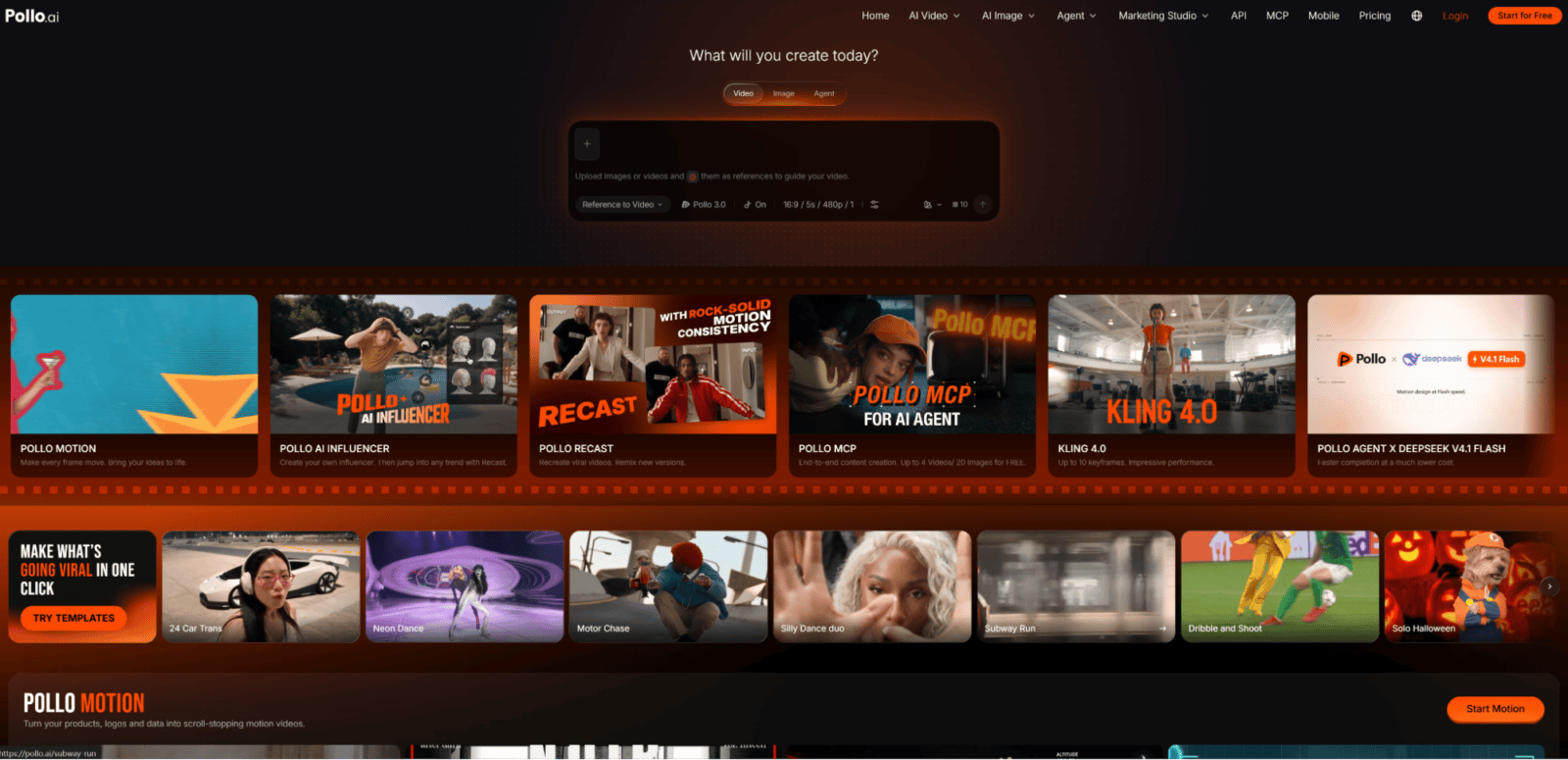
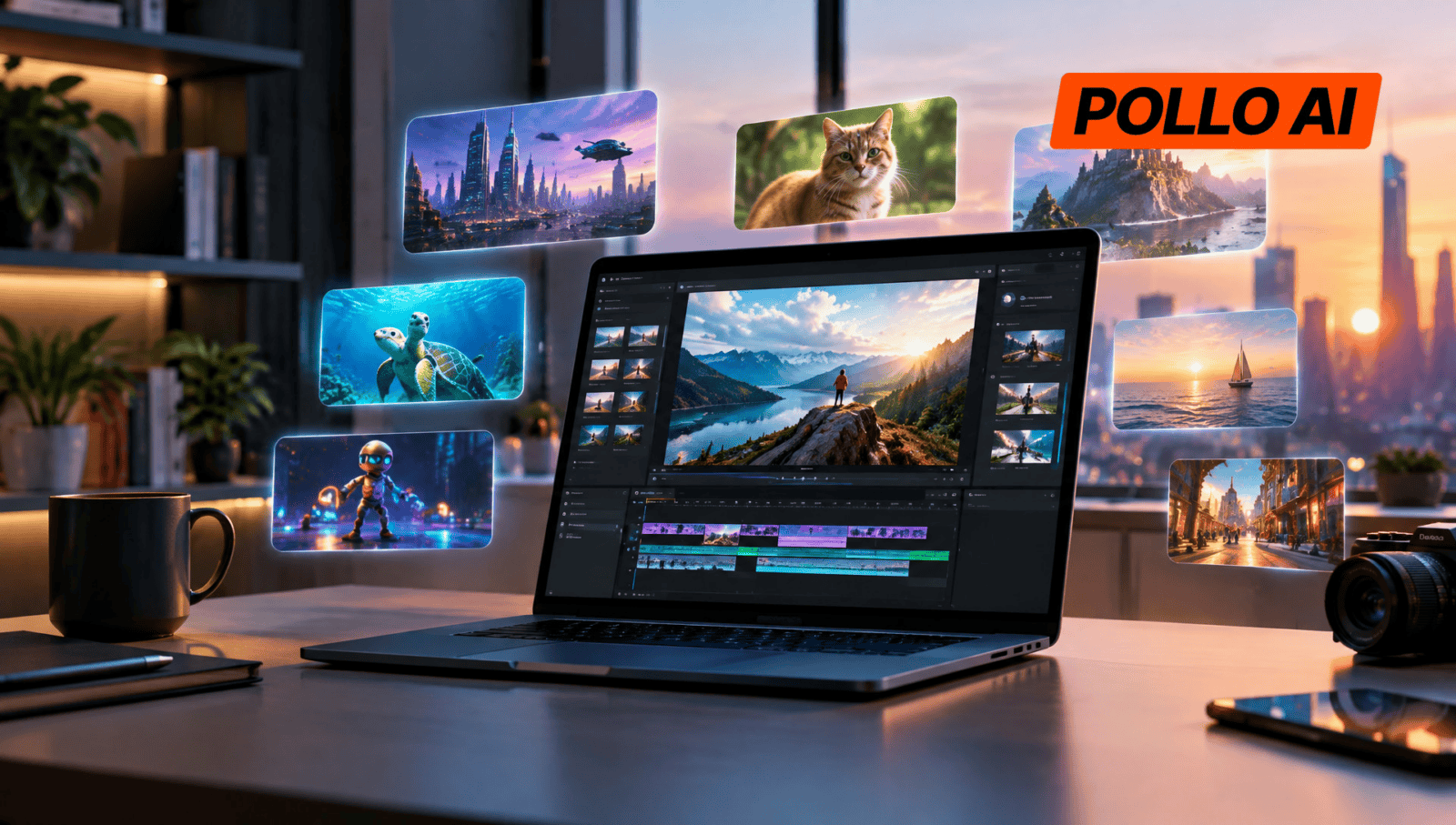
Pollo AI is more than an image-to-video generator. It’s an AI creative suite that brings together video generation, image tools, audio capabilities, and specialized content workflows. One of its main advantages is model choice: creators can access different generation models, including options from Kling, Seedance, MiniMax, Wan, and Veo, without having to switch between separate platforms.
Its image-to-video tool turns photos into videos, with different models suited to different visual styles and motion requirements. Users can also prepare source images with its editing tools before generating a video. For businesses, Marketing Studio adds workflows such as Photo to Video Ads, URL to Video Ads, UGC Video Ads, and Product Video. That makes Pollo AI a practical option for teams that need more than occasional image animation, especially when the same product assets have to be adapted for several campaigns.
Pros: Multiple AI models, image and video tools, audio capabilities, and dedicated marketing workflows.
Cons: Features and generation costs vary between models, so finding the right setup may take some trial and error.
Best for: Creators and businesses that want one platform for different AI content creation tasks.
2. Haiper AI – A Legacy Option for Image-to-Video Creation
Haiper AI was known for its straightforward approach to AI video generation, including workflows that turned still images into short clips. Rather than requiring users to create an entire scene from a text prompt, its image-to-video approach gave them a starting point using photos, illustrations, or other existing visuals. This was useful for experimenting with simple animations, testing creative ideas, or exploring how a static image might look with movement.
However, there’s an important catch in 2026: Haiper’s current official service availability could not be independently verified during this review. Third-party websites using the Haiper name should not automatically be treated as the original service. Anyone considering it for a new project should check whether official access and support are still available.
Pros: Previously offered accessible image-to-video and text-to-video workflows.
Cons: Current official availability and ongoing product support are unclear.
Best for: Users researching earlier AI video tools or checking access to existing Haiper projects.
3. Kling AI – Best for Realistic Movement and Character Consistency
Kling AI is a generative video platform with a strong focus on realistic motion and detailed visual output. Its image-to-video workflow lets users upload a still image and describe how the scene should move. Depending on the model, they can also use reference elements, motion controls, and keyframes to guide the result.
This is useful when a video needs to look like a natural continuation of its source image. A character illustration, for instance, can be animated with specific gestures, while a product shot can be given controlled camera movement. Kling’s newer video models also support features such as multi-shot generation and native audio in supported workflows. These options make it worth considering for creators who want more control than a basic image animation tool provides.
Pros: Realistic movement, keyframe controls, reference-based generation, and advanced video features.
Cons: Getting the intended movement can take several prompt adjustments.
Best for: Filmmakers, character creators, and marketers who need realistic motion and visual consistency.
4. Google Veo 3.1 – Best for Cinematic Image Animation
Google Veo 3.1 is a video generation model that works with both text and image inputs. Its image-to-video capabilities allow creators to animate existing visuals, while reference images can help guide the appearance of characters, objects, and scenes. It also supports first-and-last-frame generation, scene extension, and native audio.
The first-and-last-frame feature is particularly useful when a clip needs to move between two specific compositions. Instead of hoping the model arrives at the right ending, creators can provide visual references for both ends of the sequence. This can help with transitions, short cinematic scenes, and product storytelling. For projects where sound matters as much as the visuals, native audio also means there’s less need to build the entire soundtrack separately.
Pros: Reference images, native audio, first-and-last-frame generation, and scene extension.
Cons: Access and available features depend on the Google product and model being used.
Best for: Creators making cinematic clips and reference-led visual stories.
5. Runway Gen-4.5 – Best for Camera Movement and Shot Control
Runway is an AI creative platform that combines video generation with editing and production tools. Its Gen-4.5 model supports image-to-video generation, giving creators a way to animate a still image with instructions about camera movement, subject actions, and scene progression.
The main appeal is the level of direction users can put into a shot. A designer working with an architectural image might request a slow camera move through the scene, while a marketer could animate a product photo with a close-up or a subtle change in perspective. Rather than relying on random movement, the prompt can focus on what should happen and how the camera should behave. This makes Runway a useful option for building individual shots that will later be edited into a larger video.
Pros: Detailed motion prompts, camera direction, and flexible creative controls.
Cons: Output resolution and available features may be limiting for some production needs, and audio requires separate handling.
Best for: Filmmakers and creative professionals who want more control over individual shots.
6. MiniMax H3 – Best for Multimodal Video Generation
MiniMax H3 takes a broader approach to AI video generation by working with text, images, video, and audio. This multimodal setup is useful for projects where a single prompt isn’t enough to communicate the intended result. Creators can work with different types of reference material to guide the visual direction and develop clips with synchronized sound.
For example, an e-commerce team might use product references to guide an advertising concept, while a creative team could combine visual materials with audio requirements to develop a more complete scene. H3 supports native stereo audio and video generation at up to 2K resolution, making it relevant to projects where sound and image need to come together rather than being treated as separate steps.
Pros: Multimodal inputs, native stereo audio, and up to 2K video output.
Cons: Its broader capabilities may be unnecessary for simple photo animations.
Best for: Marketing teams and creators working with multiple visual and audio references.
7. Luma Dream Machine – Best for Keyframe-Based Video Direction
Luma Dream Machine offers AI video generation and editing through its Ray model family. Its image-to-video workflow can animate a source image, while additional features such as keyframe direction and video modification give creators more ways to shape the result.
Keyframes are especially useful when a scene needs to develop in a particular order. Instead of describing every movement in one long prompt, creators can use reference frames to guide important visual changes. This can help with transitions, character sequences, and shots that need to follow a planned composition. Luma’s video modification tools are also worth exploring when existing footage needs adjustments, rather than being regenerated from scratch.
Pros: Keyframe controls, video modification, and flexible visual workflows.
Cons: Advanced controls take some getting used to, and native audio is not a core feature of Ray3.2.
Best for: Filmmakers, VFX artists, and creators refining AI-generated footage.
8. Pika 2.5 – Best for Short-Form Creative Videos
Pika 2.5 is aimed at creators who want to make short, visually engaging clips without dealing with a complicated production process. Its image-to-video feature animates uploaded images, while Pikaframes can create transitions between still images. Pikaffects adds another layer, letting users apply distinctive visual effects to their source material.
These features are a good fit for social media content, where a quick visual idea can be more useful than a perfectly realistic scene. A creator might animate a portrait, turn a product image into an unusual visual effect, or build a short transition between two campaign images. Pika is less about recreating a traditional film workflow and more about giving creators room to experiment with their visuals.
Pros: Creative effects, image transitions, and easy-to-explore visual styles.
Cons: Effect-driven results may not suit realistic product videos or more restrained commercial content.
Best for: Social media creators and anyone experimenting with short, playful video concepts.
9. HeyGen – Best for Talking Photos and Business Videos
HeyGen is an AI video platform built primarily around avatars, presenters, and business communication. Its image-to-video and talking-photo features can turn a still portrait into a speaking video using a script, generated voice, and lip synchronization. This is a different use case from animating landscapes or creating cinematic camera movements, but it solves a common problem: producing presenter-led videos without filming someone on camera.
For example, an educator can create a course introduction from a portrait, while a business can turn a prepared script into a product explanation. HeyGen also offers voice and multilingual capabilities, which can help teams adapt the same presentation for different audiences. It’s a practical choice when the goal is to communicate information rather than simply make an image move.
Pros: Talking photos, lip synchronization, voice options, and multilingual workflows.
Cons: Less suited to cinematic scenes and unrestricted visual storytelling.
Best for: Businesses, educators, and marketers creating presenter-led content.
10. SoulGen AI – Best for AI Character Animation
SoulGen AI focuses on AI-generated characters and stylized visual content. Its video tools include image-to-video, reference-to-video, text-to-video, and video extension, giving users several ways to build on existing character artwork. Rather than starting with a general scene, creators can use a portrait or character image as the basis for an animated sequence.
This is useful for people developing illustrated characters, stylized portraits, or short AI-generated stories. For example, an artist can take an existing character design and experiment with facial expressions, gestures, or scene movement. SoulGen is more specialized than a general-purpose video generator, so its appeal depends largely on whether character-based content is central to the project.
Pros: Character-focused generation, reference-based workflows, and video extension.
Cons: Its specialized focus makes it less suitable for conventional product and business videos.
Best for: Character artists and creators working with stylized portraits and AI-generated characters.
Which Sora Alternative Is Worth Choosing?
Compared side by side, these tools serve quite different needs:
| Creative need | Recommended tool | Why it makes sense |
| A mix of image, video, audio, and marketing tasks | Pollo AI | Combines multiple models and creative workflows in one suite. |
| Realistic movement and cinematic scenes | Kling AI / Veo 3.1 | Offer reference-based generation and advanced video capabilities. |
| Camera direction and shot refinement | Runway / Luma | Provide more ways to guide individual shots and edit footage. |
| Short-form social media content | Pika 2.5 | Offers effects and transitions for quick creative experiments. |
| Talking portraits and business presentations | HeyGen | Focuses on avatars, scripts, and lip synchronization. |
| Stylized character animation | SoulGen AI | Provides workflows built around AI-generated characters. |
The choice largely comes down to the type of videos being made. Kling AI and Veo 3.1 are worth considering for realistic movement and cinematic scenes, while Runway and Luma offer more control over individual shots. Pika 2.5 is a better fit for quick, effect-driven social content, and HeyGen makes more sense for talking portraits and business presentations.
For creators who work across several formats, though, using separate tools for every task can become inconvenient. Pollo AI takes a broader approach by bringing different video models, image tools, audio features, and marketing workflows together. It may not be necessary for someone who only needs a specific type of video, but it’s a sensible option when flexibility matters and one platform needs to handle a wider range of creative work.
Conclusion
The best Sora alternative isn’t necessarily the one that produces the most impressive demo. It’s the one that fits the actual workflow, whether that means animating a product photo, directing a cinematic shot, or creating a talking presenter.
For a focused task, a specialized generator may be all that’s needed. For projects that involve different types of visual content, Pollo AI is worth trying first. Its image-to-video tool offers a straightforward way to test different models with existing images and see which approach works for the finished project.