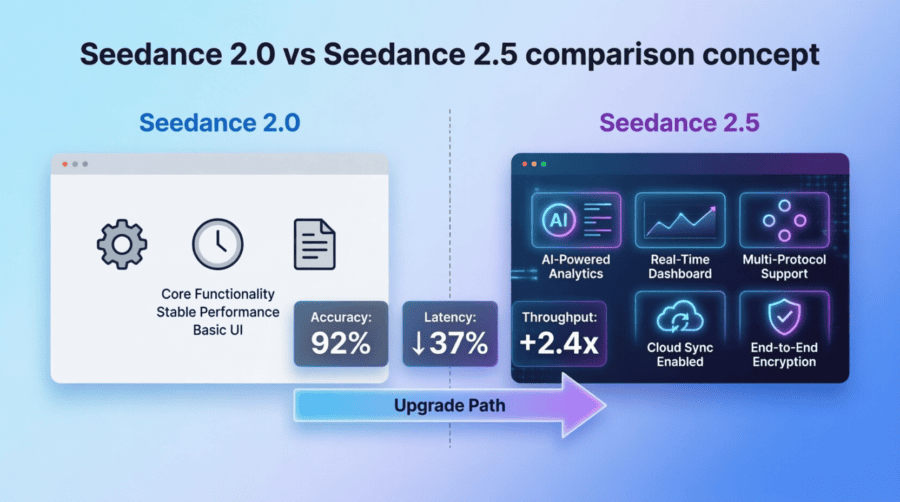
A one-prompt side-by-side is useful for a quick look. It doesn’t answer a production question. By the tenth job, discarded attempts, review time, and repair work matter more than which first clip looked nicer.
According to ByteDance’s launch notes, Seedance 2.0 supports clips up to 15 seconds. Seedance 2.5 supports a single generation up to 30 seconds, accepts a larger set of references, and adds finer timestamp-based editing. A casual “same prompt” test can’t separate model quality from the extra work that a longer workflow may remove.
Before changing a production route, run a small test built around work you would actually ship.
Start with three real briefs
One prompt can give a false sense of certainty. Choose three briefs that reflect the jobs your team handles most often:
- a text-to-video shot with one clear action;
- an image-to-video shot where a face or product shape must stay intact;
- a reference-driven scene with a camera move and a specific audio cue.
Write the acceptance rule before generating anything. “Looks good” is not a rule. “The bottle label stays readable, the hand grips the cap, and the cap is off by the final frame” is. A concrete rule stops reviewers from quietly moving the goalposts after seeing which model made which clip.
Keep every result, including the failures. Comparing the best of five Seedance 2.5 attempts with the first Seedance 2.0 attempt says more about curation than model performance.
Keep the platform fixed
The model is only one variable. Region, queue load, resolution, duration, audio settings, reference preprocessing, and the product interface can all affect a run.
Use one interface for the whole test. reAPI exposes job IDs and status polling; ClipDance is the browser option. Mixing them adds another variable, so keep the chosen platform fixed for every paired job.
Record the test date, exact model ID, duration, aspect ratio, resolution, audio setting, prompt, and reference files. Without that information, “same prompt” does not mean “same conditions.”
Run a matched test, then a workflow test
Test 1: match the work both versions can do
Use a duration and resolution available to both routes. Submit the same brief, prompt, inputs, aspect ratio, and audio setting to each model. Run each brief at least three times, with paired jobs submitted close together so a sudden queue change is less likely to skew the timing.
Three runs will not produce a universal leaderboard. They are enough for a low-cost screening test and can reveal an obvious failure pattern. If the result will influence a high-volume contract or routing decision, expand the sample before committing.
Hide the model names during the first review if you can. Record the pass or fail decision before revealing which version produced the clip.
Test 2: compare the finished workflow
A 30-second Seedance 2.5 clip and two stitched Seedance 2.0 clips are not equivalent model outputs. They can still be compared as two ways to finish the same job.
Write a 20-to-30-second scene with three visible beats. For example: a courier enters carrying one parcel; the recipient signs while the parcel stays on the counter; the courier leaves and the recipient carries the same parcel out of frame.
Generate the scene as one Seedance 2.5 request. Plan the Seedance 2.0 version as separate clips that fit its duration limit, then join them. Review the completed sequences for character identity, prop ownership, screen direction, lighting, audio continuity, and the amount of repair needed at the cut.
Use the same brief, not necessarily the same prompt. The 2.0 version needs instructions written for a sequence, while the 2.5 version needs instructions for a longer take. Forcing identical wording would test prompt compatibility rather than the production workflow.
If timestamp editing is important to the project, add one narrow edit test. Change an object during a named interval, then check whether the camera, action, sound, and untouched parts of the clip remain stable.
Use a scorecard the team can defend
Score every output against the same questions:
| Check | What to record |
|---|---|
| Required events | Did each requested action happen in the right order? |
| Subject fidelity | Did the face, clothing, or product geometry stay recognizable? |
| Motion | Did contact, weight, direction, and the final pose look believable? |
| Audio | Did speech, effects, and visible actions line up? |
| End state | Did the shot finish in the state needed by the next edit? |
| Repair | How many minutes of editing or regeneration were required? |
| Delivery | How long did the job take, and what did it cost? |
Add a final column called “Ship?” and enter yes or no for every clip.
Count accepted clips, not cheap attempts
The lower per-generation price does not always produce the cheaper deliverable. Failed attempts, review time, and continuity fixes belong in the calculation.
cost per accepted clip = total generation spend / accepted clips

minutes per accepted clip =
  (render wait + review time + repair time) / accepted clips
Tag each rejected clip with a short reason: instruction miss, identity drift, motion error, audio mismatch, continuity break, or edit regression. After a few rounds, those tags show whether the failures are random or concentrated around a requirement the project cannot compromise.
Use the actual charges and completion timestamps from the chosen platform. If timing comes from a polling loop, label it “first observed complete” rather than presenting it as server-side render time.
When does switching make sense?
If Seedance 2.5 produces more accepted clips with less repair, move that workload. If Seedance 2.0 meets the same acceptance rule at a lower total cost, there is no reason to replace it. A split route may be the sensible result: longer scenes and targeted edits go to 2.5, while short, repeatable shots stay on 2.0.
When the difference is small, expand the sample. A close pilot does not support a confident winner. Write down which route the team chose for each type of job, then revisit the decision when pricing, availability, or model behavior changes.





Free AI Video Generator