Today, creators are looking for advanced and creative AI design tools that have multiple functions and serve them in the long term. In the modern world, speed and quality in creating social content, commercial posts, or generating visual media are equally crucial for creators.
In this article, we’ll go through the best AI design tools for creators, offering tools for different experiences and creation: Krea.ai, Davinci.ai, Spline, and Recraft.
What are AI Design Tools?
AI design tools with accelerated generative models convert text descriptions or sketches into visual media, such as images, videos, or 3D models. Instead of traditional formats or models, generative tools create specialized content for design and production.
These tools can help users:
- Produce visuals or assets from prompts or detailed descriptions
- Create visuals, products, and variations all in one platform
- Edit, modify, and generate based on changes and guidance
Some platforms may offer variations, concepts, and visuals at once; others can focus on specific features, depending on the design.
Best AI Design Tools
|
Platform |
Main tools |
Best for |
|
Krea.ai |
Creative AI suite for generation |
Creators, designers, businesses |
|
Davinci.ai |
Social assets, tools for production |
Marketers, content creators, producers |
|
Spline |
3D design models and generation |
Web designers, content creators |
|
Recraft |
Vectors, illustrations, visual media generation |
Graphic designers, visual artists, sellers |
-
Krea.ai
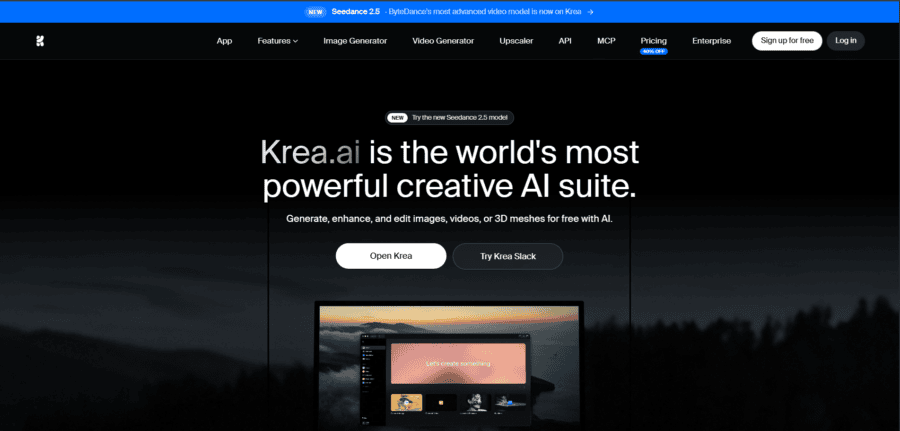
Krea.ai is one of the most creative AI suites and real-time platforms in 2026. It offers the most powerful AI tools, including AI video and image generation, 3D generation, enhancement tools, and designs that creators can use.
Key Features
Realtime Canvas
- Draw, modify elements, and update without waiting forever
AI image generation
- Prompt-to-image generation and real-time image generation
Video generation
- Text-to-video generation and motion transfer generation based on expressions and characters
3D generation
- Text and image transfer to 3D objects
Editing tools
- 64+ models, 1000+ styles, 22K pixels upscaling, background and object remover, lighting, colors, upscaling
10 editing models
- Nano Banana, Flux Kontext, Qwen for your designs and projects
Why it stands out
It delivers the fastest and most creative results within seconds. You can explore a real-time canvas, generate images and videos, give prompts, edit with models, add styles, work with the most advanced AI tools, and get your job done! Flexibility and speed are an integral part of Krea.
- Free trial available on the platform
- Fast, quick, and creative tools and design in one place
- Broad collection of editing tools and AI models
Suitable for: Content creators, designers, and creative individuals or teams who aim to produce inspiring, flexible, and quick content with AI tools.
-
Davinci.ai
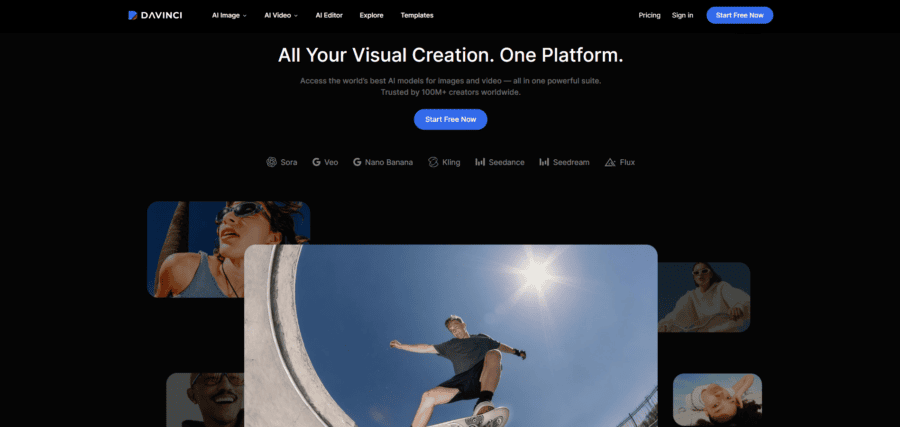
Davinci.ai provides AI content generation with tools for producing, editing, and restyling content for social platforms, large screens, ads, and other placements.
Key Features
AI image editor and AI image-to-image creator
- Remove background, colors, lighting, and other elements for visual design
AI Video Generator
- Create videos based on text and images
Variations
- Resize and change designs for different platform formats, such as social media, web, or commercials
AI models
- You can work with different tools, including Nano Banana, Seedream, Flux, and GPT Image
Pros
- Variations for creators
- Consistency and control in workflows
- Storyboards, visuals, portraits, and other content
Best for: Designers and content creators generating and publishing content for different channels.
-
Spline
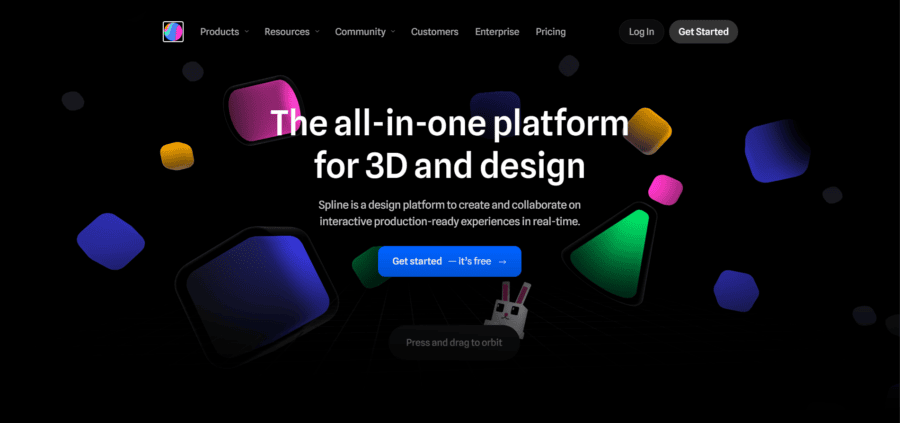
Spline is a platform for creating 3D models and design ideas for production and content.
Key Features
3D design
- Diverse objects, editing, and modeling for web browsers, code export, and more
Animation
- Bring life to your 3D products
Tools
- Canvas, frames, colors, visual effects, designs, assets
Control
- Create a first- or third-person experience on the platform
Pros
- 3D designs for teams or individuals
- Exporting formats
Best for: Creators, production teams, and web designers wanting to create and generate 3D visuals and design tools.
-
Recraft
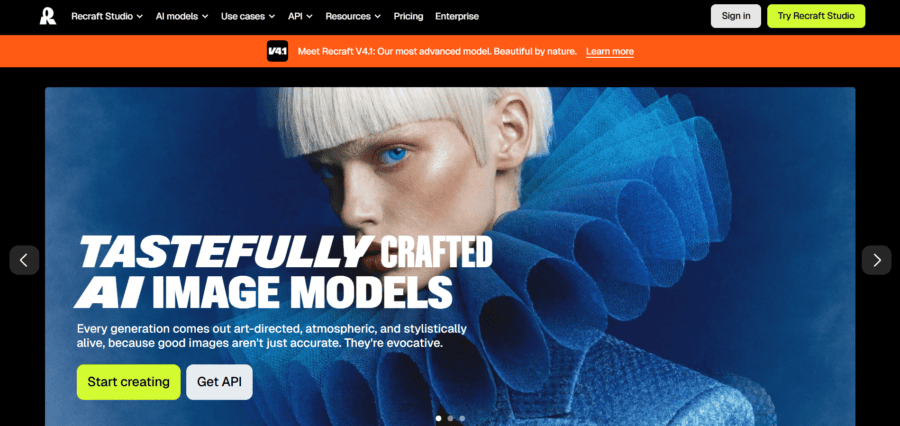
Recraft is a digital platform that delivers brand graphics, vectors, illustrations, icons, and visual content for creators and designers.
Key features
Social media graphics
- The platform offers AI vector generators, AI Image editors, and AI image generators
Customization
- Background remover, eraser, colors, vectors, layouts, styles, and other editing tools
AI models
- Nano Banana, Sora, Veo, Kling, and Seedance are available on Recraft
Pros
- Easy to create sets of images
- Customization tools
- Generating and editing images, vectors, and more
Best for: Content, visual production, design, commercial purposes.
To Wrap It Up
In 2026, creators are integrating AI tools into their personal and business workflows. The platforms we discussed above are all for creative creators; however, they offer different features and specifications.
Before deciding which one to choose, ask yourself if you are:
- Looking for speed and diversity
- Want to create ads and production
- Aiming to create 3D designs and models
- Want to go for graphics and designs?
These are some of the creative and diverse platforms that users constantly work on. They don’t replace designers or content creators, but make their working process faster, more productive, and fun to experiment with.