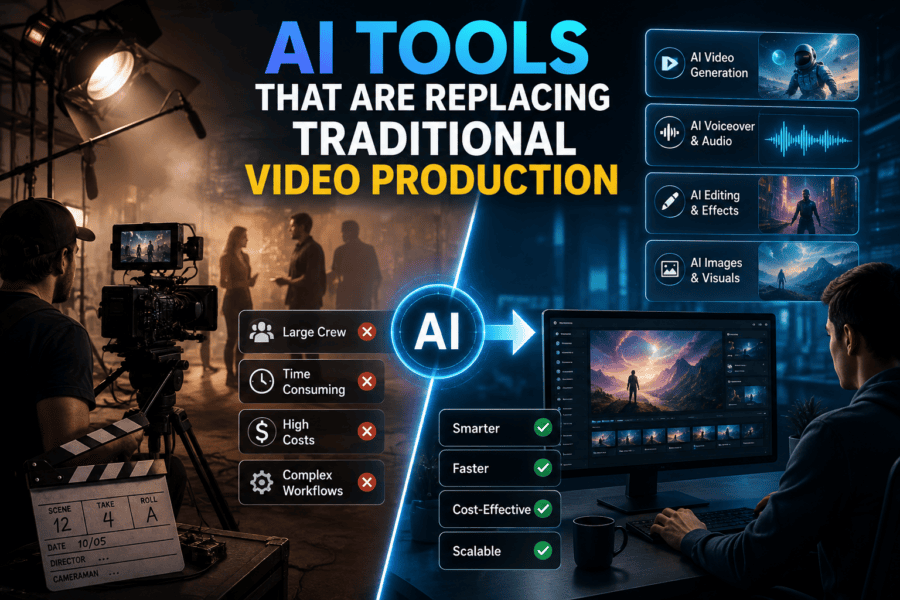
For decades, producing a professional video meant coordinating a long chain of people, equipment, locations, and post-production work. A typical project could involve writers, directors, cinematographers, actors, editors, sound designers, and several rounds of approvals before the final cut was ready.
AI is changing how much of that process needs to happen in the traditional way.
Today, creative teams can develop visual concepts, build storyboards, generate footage, edit recordings, create voiceovers, and produce multiple versions without starting every stage from scratch. The biggest shift is not that AI can generate a video from a sentence. It is that AI is beginning to connect tasks that were previously handled by separate people and software.
That does not mean cameras, crews, or professional editors are disappearing. Instead, AI is giving filmmakers, marketers, and production teams another way to approach work that was once expensive or time-consuming.
The Production Workflow Is Being Unbundled
Traditional production is often organised into clearly separated stages. Pre-production happens first, filming follows, and post-production comes afterward.
AI makes these stages more fluid.
A filmmaker can create a rough visual version of a scene before deciding how to shoot it. An editor can use AI to find useful moments in hours of footage. A marketing team can generate additional creative variations after the main campaign has been completed.
This means teams can experiment earlier and make changes without always returning to the beginning of the production process.
The following platforms are taking different approaches to this shift.
1. Invideo agent
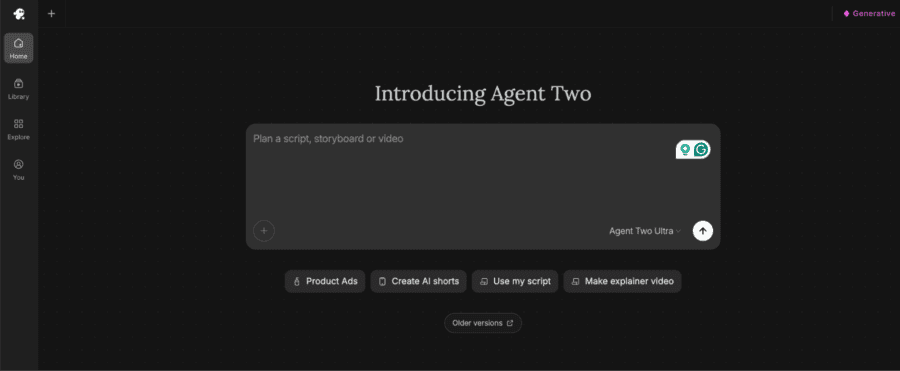
Invideo agent brings multiple parts of video production into one AI-driven workspace. Instead of moving between separate tools for scripting, visual development, generation, editing, voice, and sound, creators can work through these stages within the same project. Its newer Agent Two experience is built around persistent project knowledge, allowing the agent to retain details such as creative decisions, references, visual rules, and previous conversations throughout the production.
The workflow uses specialised agents for roles such as cinematography, casting, storyboarding, and VFX. These agents share project information, so updates in one department can inform another without repeating the brief.
Agent Two can also work with scripts, PDFs, brand documents, YouTube references, rough cuts, and footage to plan, review, and refine content. It can even help creators create animation with AI, alongside generating and extending other visual material.
Pricing: Invideo’s plans include Plus at $17/month, Max at $85/month, and Generative at $170/month.
2. LTX Studio
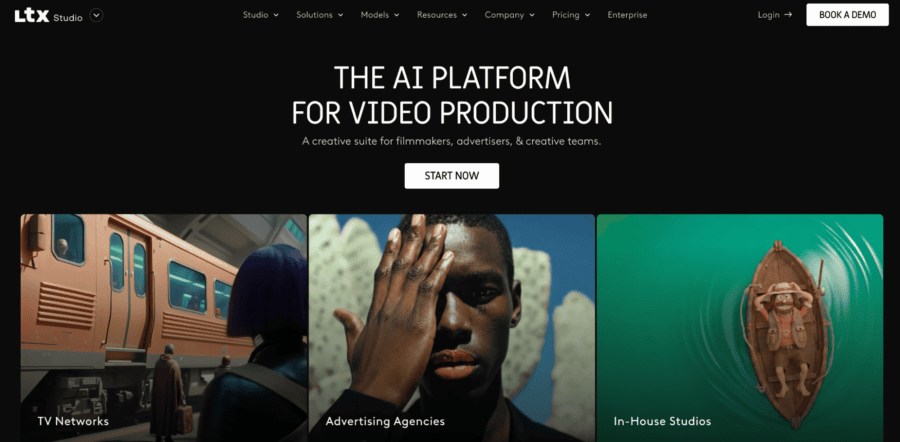
LTX Studio takes aim at one of the most time-consuming parts of filmmaking: turning an idea into a structured production plan.
Rather than treating every generation as an isolated clip, the platform connects concepts, scripts, storyboards, scenes, and generated video. This gives creators a way to visualise a project before committing to a full production.
For filmmakers, that can mean testing different approaches to a sequence before arranging locations, performers, or equipment. For agencies, it can provide a faster way to turn a campaign idea into something clients can actually see and review.
Pricing: LTX Studio’s paid tiers are Lite at $15/month, Standard at $35/month, and Pro at $125/month.
3. Adobe Firefly
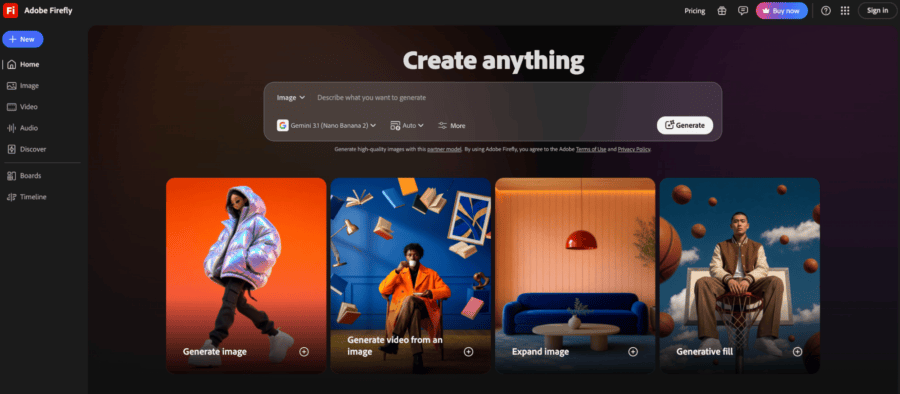
Adobe Firefly shows another way AI is entering professional video production: through tools that work alongside existing creative workflows.
Its video capabilities include generative video and AI-assisted editing. One example is Quick Cut, which can create an initial edit from uploaded footage based on a script or description. This gives editors a starting point instead of requiring them to manually sort through every clip before assembling the first version.
That is an important distinction. AI does not always need to replace the footage itself. It can reduce the amount of repetitive work required to turn real footage into an edit.
For teams already working with Adobe’s wider creative ecosystem, this makes AI-assisted production easier to incorporate into established workflows.
Pricing: Firefly offers free access, with paid plans available from around $8.49/month, depending on the plan.
4. Pika
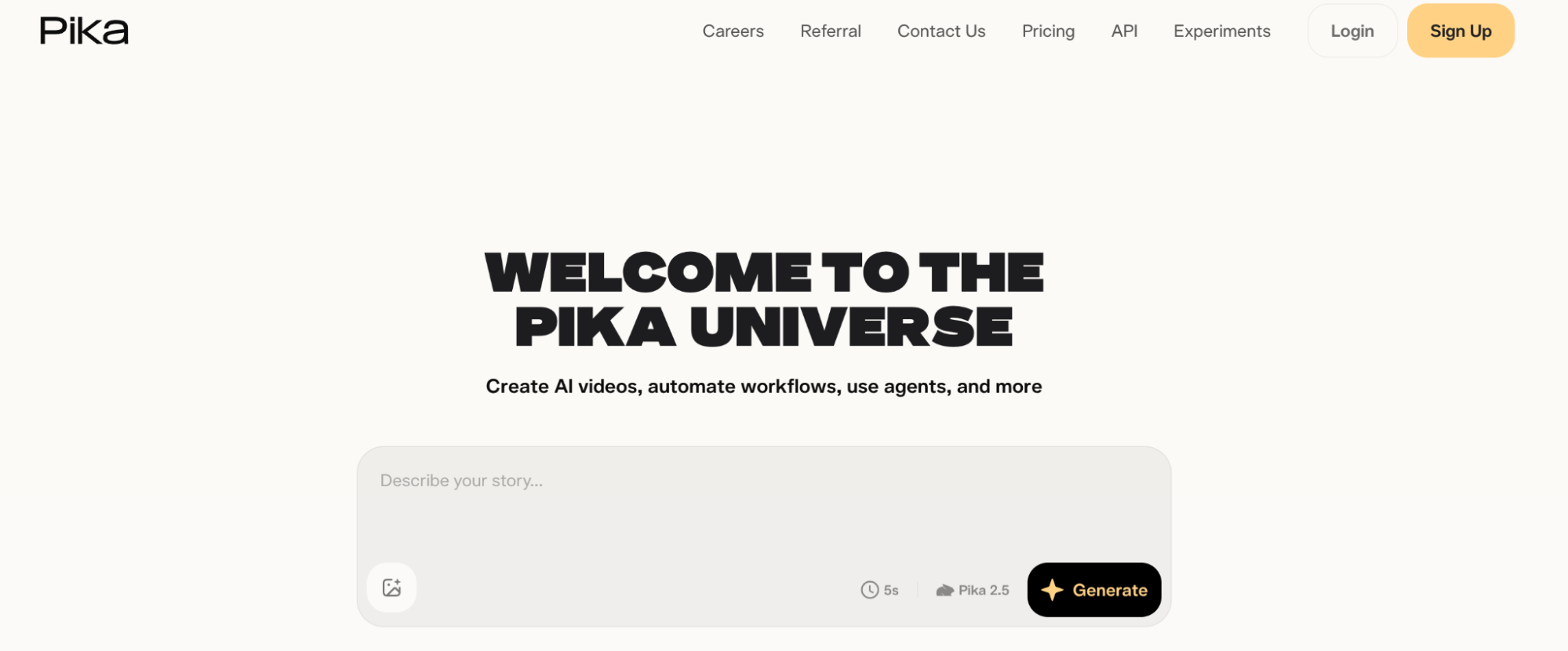
Pika focuses on short-form generative video and creative transformations. It can generate video from text or images and provides tools for turning existing visuals into more unusual or stylised sequences.
Its usefulness in production often comes down to experimentation. A creative team may have an idea for a few seconds of footage that would normally require a location, props, a small crew, or additional post-production.
Instead of organising a production around that one shot, the team can explore several AI-generated versions and decide whether the concept is worth pursuing.
This makes Pika particularly relevant for social content, campaign experiments, transitions, and visual ideas that sit outside the core production.
Pricing: Pika offers three main paid options: Standard for $10/month, Pro for $35/month, and Fancy for $95/month.
5. Luma AI

Luma AI is focused on generative media and provides tools for creating and transforming visual content. For video teams, one of its potential uses is generating shots that would be difficult to capture through a conventional production setup.
Imagine a project that needs an unusual environment, an impossible camera movement, or additional footage to connect two scenes. Instead of building the entire production around that requirement, a creator can explore whether generated footage can fill the gap.
This makes AI generation particularly interesting as a supplement to traditional filmmaking. A project does not have to be entirely synthetic for generative footage to be useful.
Pricing: For creators who need more generation capacity, Luma AI has Plus at $30/month, Pro at $90/month, and Ultra at $300/month.
6. Krea
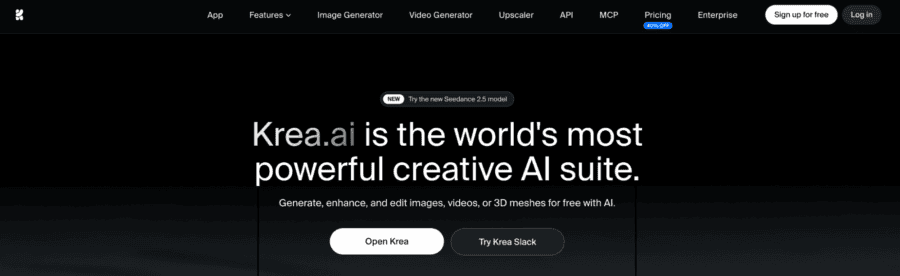
Krea approaches AI video from the visual development side. It gives creators a space to experiment with images, video, styles, and references while developing an idea.
That can be useful before production begins. Instead of describing a visual direction only through words, a creative team can create references showing potential environments, compositions, aesthetics, or campaign directions.
This can make early creative discussions more concrete. A director can explore a visual idea, or a brand team can compare different directions before deciding which one should move into production.
Pricing: Krea’s paid plans include Pro at $35/month and Max at $105/month.
Pre-Production May Be the Biggest Winner
It is easy to focus on AI-generated footage when discussing the future of video production. But some of the biggest practical changes may happen before filming begins.
Pre-production involves a lot of decisions. What should the location look like? How should the scene be framed? What should the lighting feel like? How will a character move through the space?
Traditionally, these questions might be explored through moodboards, concept art, storyboards, previs, and location scouting.
AI can make those experiments much faster.
A filmmaker can test several versions of a scene before making production decisions. A brand can visualise a campaign before approving a shoot. A production team can identify problems in a sequence while changes are still relatively easy to make.
The result is not necessarily less creative work. It can mean more time spent exploring before money is committed.
AI Doesn’t Have to Replace the Camera
There is a tendency to frame AI video as a choice between generated footage and traditional filming.
In practice, the two can work together.
A brand might film its actual product and use AI to create the environment around it. A filmmaker could shoot an actor and generate additional background elements. An editor might keep the original performance but use AI to extend a scene or create connecting footage.
This hybrid model can be useful when authenticity matters for certain parts of a production but not others.
The camera remains important for performances, products, locations, and moments where real-world detail matters. AI can handle supporting elements that would otherwise require additional production resources.
What Happens to Editors and Filmmakers?
AI-assisted production does not eliminate the need for creative judgement.
Someone still needs to decide whether a scene works, whether the performance feels right, whether the pacing makes sense, and whether the final video communicates the intended idea.
The difference is that professionals may spend less time on repetitive execution.
An editor can begin with an AI-generated first cut. A director can test several visual approaches before filming. A small marketing team can create more campaign variations without arranging a new production for every version.
This shifts the role of the creative professional toward direction, evaluation, refinement, and decision-making.
A Different Production Model
The most useful way to think about AI video is not as a replacement for every traditional production method.
Instead, consider which parts of the workflow benefit most from automation.
A project could start with human-led creative development, move into AI-assisted visualisation, combine real and generated footage during production, and then use AI again during editing and versioning.
The workflow might look something like:
Concept → visual development → planning → production → AI-assisted generation → editing → review → final delivery
The exact balance will vary by project. A short social video may rely heavily on AI, while a commercial may use it mainly for previsualisation and post-production.
Traditional Production Is Not Disappearing
Cameras, actors, directors, cinematographers, editors, and physical sets will continue to play an important role in many types of filmmaking.
What is changing is the number of ways a creative team can get from an idea to a finished piece of content.
Invideo agent connects multiple creative stages through an AI filmmaking workflow. LTX Studio focuses on structured visual development, Adobe Firefly brings AI into established creative software, Pika supports quick visual experimentation, Luma AI provides generative media capabilities, and Krea helps creators explore visual directions.
Together, these tools point toward a production model where AI handles more of the repetitive and exploratory work while creative professionals remain responsible for the story, taste, direction, and final decisions.
The result may not be the end of traditional video production. It may be something more useful: a production process where teams can create, test, revise, and deliver ideas with far fewer limitations than before.